
12,483
Get more views with 24/7 live streams
Every broadcast is a new entry point: YouTube surfaces live streams in search, recommendations, and the Live feed, so viewers find you on their own
Autostreamer sets up, runs and restarts your YouTube live streams for you
No credit card required
GTA V
Gaming
Studying Music
Lo-fi Hip-Hop, Jazz
Rain Sounds
ASMR
Relaxing Music
Music
434streamers
111streams live
33,680streams completed
75-second overview
Uploading content, setup, going live, multistreaming and statistics — everything the service does, in one video
Autostreamer overview
1:15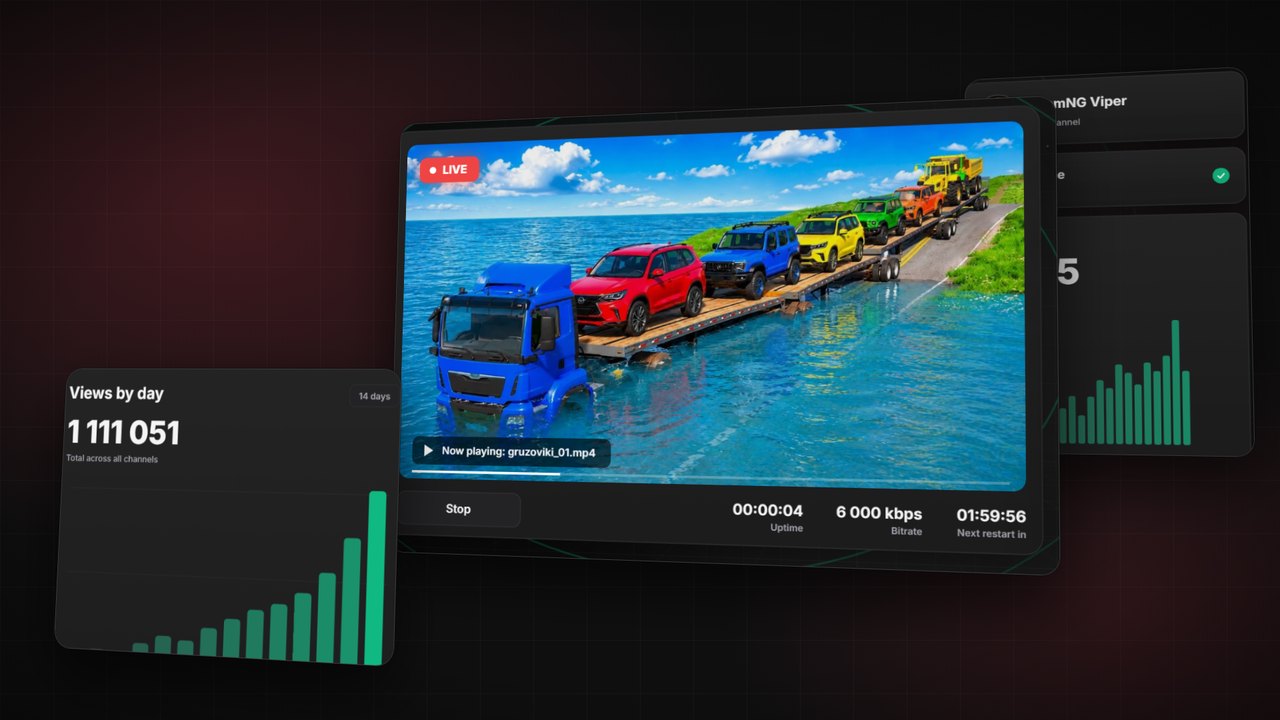
Everything runs in the cloud — no local machine or always-on computer required.
Start streamingStream autopilot
Scheduling, restarts, multistreaming, and channel art — the streaming routine runs without you
Stream console
Why it works
Every broadcast is a new entry point: YouTube surfaces live streams in search, recommendations, and the Live feed, so viewers find you on their own
Continuous live streams hold attention longer than regular videos, and higher watch time means a better RPM — the algorithm shows your channel to a bigger audience
Your library is full of videos subscribers never fully watched: streaming those pre-recorded videos resurfaces the archive and turns it into fresh traffic and revenue
A 24/7 live stream accumulates watch hours around the clock, so channels pass the 4,000-hour monetization threshold noticeably faster
Videos you already made keep working: your pre-recorded videos get monetized and pull in viewers while you create nothing new
Autostreamer launches, runs and restarts your streams on schedule — hands-free streaming gives those hours back to content and growth
Niches & formats
 LIVE
LIVELofi, ambient, and mixes on an endless loop: listeners keep a music stream on in the background and stay for hours
 LIVE
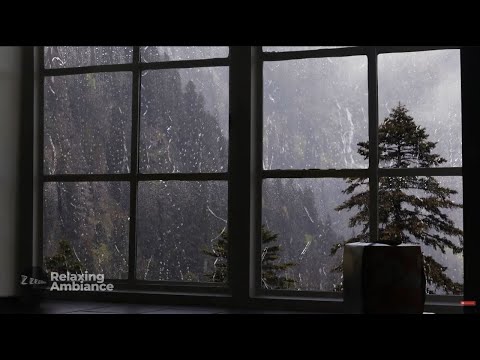
LIVERain, campfire, and sleep sounds run through the night without you
 LIVE
LIVECartoons and songs loop 24/7 — parents find these live streams on their own
 LIVE
LIVEGameplay and walkthroughs pull viewers browsing the Live feed of their favorite game
 LIVE
LIVECity walks, road trips, and window views — evergreen content that keeps your channel visible while you film the next trip
 LIVE
LIVEStream pre-recorded sermons and services nonstop — your community stays connected around the clock, with no tech experience needed
Results
Real channels with round-the-clock broadcasts — see what results are possible and launch your own stream.
BASIC
$12
per month
In every plan
STANDARD
$36
per month
In every plan
PRO
$72
per month
In every plan
BUSINESS
$120
per month
In every plan
Top up your balance, pick a configuration, and the service charges 1/30 of the monthly price for each day. No automatic card charges: the balance is always visible in your account, and you can raise or lower the plan at any time
Need a custom setup? Build your plan with sliders in your account. Build your plan
7 days of streaming — free
Full access to every feature — launch a stream and watch the first numbers come in. No card required
Why us
Views and watch hours grow around the clock
YouTube promotes active channels — a nonstop stream feeds the algorithm fresh signals every day
No PC, no installs, no crashes
Our servers handle encoding and delivery — your stream does not depend on your hardware or connection
Higher retention — higher RPM and ad revenue
The algorithm pushes what people watch longer, and streams hold viewers better than regular videos
One video earns views every single day
No need to film new content — your channel archive gets monetized on repeat
Broadcasts start and end on their own
Set your broadcast grid once — the channel follows it without you
A stream goes live in minutes, not hours
Upload videos and pick the settings — Autostreamer does the rest
More entry points for channel growth
Each stream builds its own audience — reach grows without extra content
FAQ
Quick answers to the questions people ask before launching
Didn't find your answer?
Message us on Telegram — we'll explain how everything works and help you launch
Ask on TelegramIt's a simple way to reach viewers without constantly producing new content. Upload your own videos once and keep them live around the clock. YouTube surfaces live streams separately in search, recommendations, and the Live section, helping viewers discover your channel even while you're away.
Yes. YouTube allows continuous live streams with no limit on how long they can run. The service starts broadcasts through the official YouTube API, just like OBS and YouTube Studio. You stay in control of your content and settings — it simply needs to follow YouTube's policies.
When you connect a channel, you sign in with Google and grant the service permission to manage your YouTube live streams. It is used only to run auto-streaming: create and start broadcasts, set the title, description and thumbnail, and rename or hide the recording after a stream if you set it up that way. From your Google account the service receives the email address, channel name and avatar — to show which channel is connected. This data is not shared with third parties, not used for advertising and not sold. You can disconnect the channel in one click in the dashboard or in your Google account settings — access is revoked immediately.
Read the Privacy PolicyYes. YouTube treats live streams and regular uploads as separate content formats, so streaming videos you have already published does not count as duplicate content. On the contrary — the stream adds watch time and activity the algorithm counts on top of your uploads.
No. Everything runs in the cloud: our servers stream your videos while your computer can remain off. Upload your content once and the service handles the rest.
Usually 10–15 minutes including the video upload. The launch itself is a couple of clicks: pick the videos, set the title and thumbnail, press start. From there the service creates, runs, and restarts the broadcast.
You can start with a single video looping on repeat. A few hours of total content works better: viewers don't notice the loop and retention gets higher. You can add and swap videos on the fly without stopping the broadcast.
Both short and long videos work. Short clips create a fast-paced loop, while longer videos are especially good for music, ambience, podcasts, and educational content. Go by your niche and how long viewers usually stay in the stream.
Yes — small channels often benefit the most. A continuous stream generates steady watch time and channel activity, the signals that get YouTube recommending your channel to new audiences.
See example channels on auto-streamingGrowth in watch time and views usually shows within the first few weeks. Stronger long-term results come after several months of continuous streaming, once the algorithm has gathered enough viewer data to recommend the stream more widely.
Estimate your channel revenue in the calculatorYes. You can link several streamers to one channel — each with its own content, title, and schedule. The service creates the broadcasts, sets up their appearance, and runs and restarts them in parallel without your involvement.
Compare streamer limits in pricingYou top up your balance and the service charges 1/30 of the monthly price of your configuration every day. Raising limits applies right away: the difference in rates is charged for the current day, then the new rate applies. Lowering also applies right away, but not below what is already in use. The first activation requires a balance covering at least 21 days; after an upgrade surcharge at least 21 days must remain. The amount is always shown before you confirm.
Compare streamer limits in pricingYou get an email 7, 3 and 1 day before it does. If the balance cannot cover the next day, the plan stops and streams end, while your content and settings are kept for 30 days. Top up and activate the plan again to continue. The balance never goes negative, so there is no debt.
Compare streamer limits in pricingYes. Money you paid in is refunded on request to support using the same method you topped up with, less the payment provider's actual fees. Bonus credits are not refundable. Requests are reviewed within 10 business days.
Read the refund terms in the offerAutostreamer monitors the broadcast and automatically restarts it after a failure. Your channel stays live without manual intervention.
Launch your first stream and see the numbers for yourself: full access to every feature, nothing to cancel
No credit card required